SELF-HOSTED

Self-hosted Plausible.
On your phone.

Your instance.
A daily check-in.

The self-hosted Plausible mobile app is Tracksible pointed at Community Edition or Plausible Cloud. Enter the instance address. Connect with a share link or Stats API key.

  • Cloud and Community Edition
  • Keys stay on the device
  • iPhone and Android
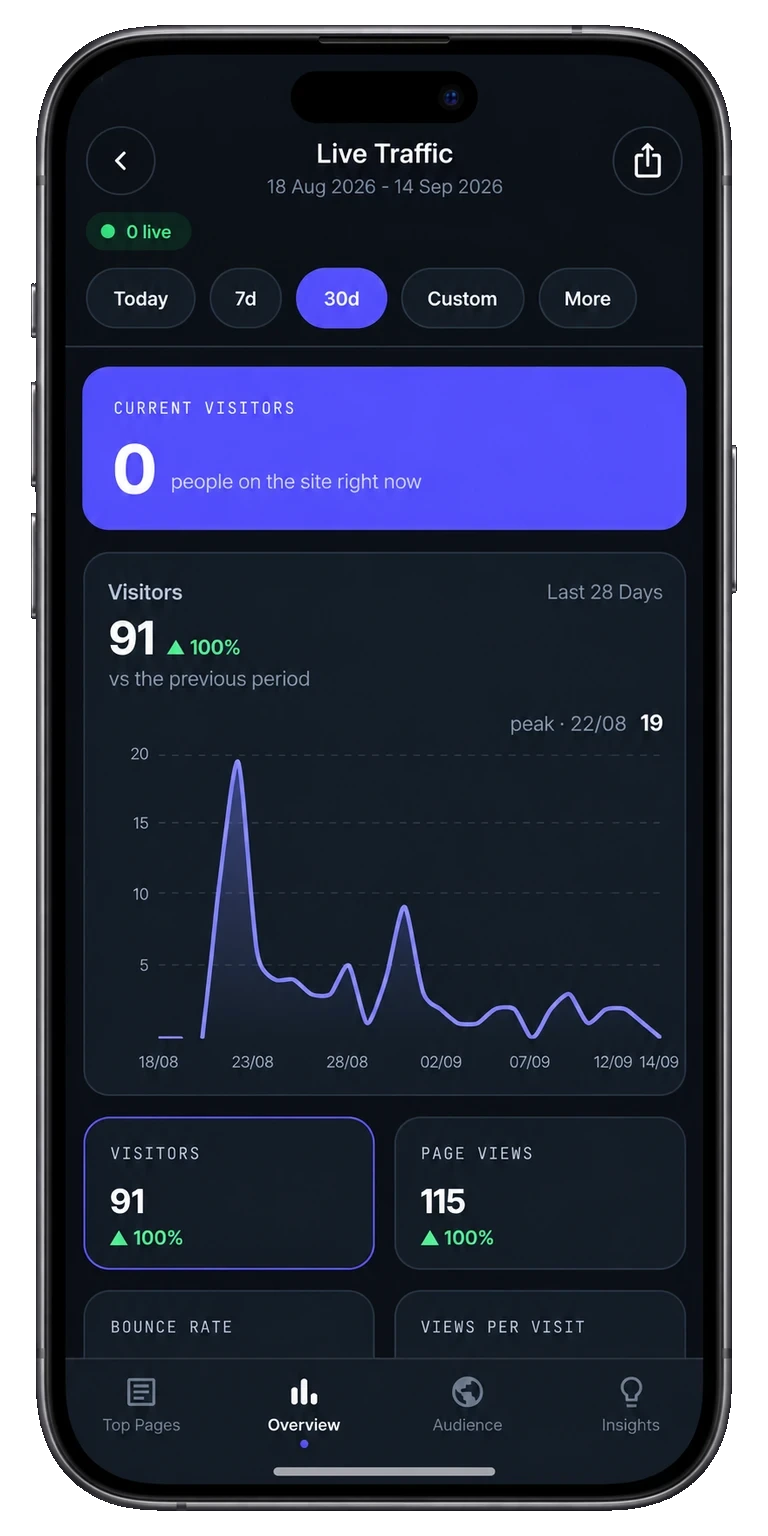
Tracksible live traffic with visitor chart and website statistics
Your instance

Product preview. Point the app at the instance you run.

Self-hosting should not trap stats
on a desktop browser.

You chose Community Edition so the data stays on your server.
That should not mean the only check-in is a desktop page on a tiny screen.

Your server, your phone

Tracksible is the same mobile app for Cloud and for the instance you host. Enter the address. Connect. Do the daily check-in.

Events stay put

The app retrieves the statistics it shows from the instance you configure. It does not store your events. Insights are calculated locally from what it retrieved.

Not a server you install

You still run Plausible. Tracksible does not ship as self-hosted software and it does not replace Community Edition. Need the server first? Self-host Plausible Community Edition or install Plausible on Coolify.

Tracksible is an independent companion by Webjuice. It is not an official Plausible app, and it is not affiliated with, endorsed by, or supported by Plausible Insights OÜ.

Why a mobile viewer fits
the instance you already run.

Tracksible does not replace Plausible Analytics. It shows the dashboard on that instance, on a phone. Longer write-up: using a mobile app with self-hosted Plausible.

Instance address

Provide the address of Community Edition or Plausible Cloud, then a Stats API key or a share link. Same app either way.

Share link or API key

A share link is often enough to view. Keep the API key on the account you administer. See Plausible’s Stats API docs.

The daily numbers

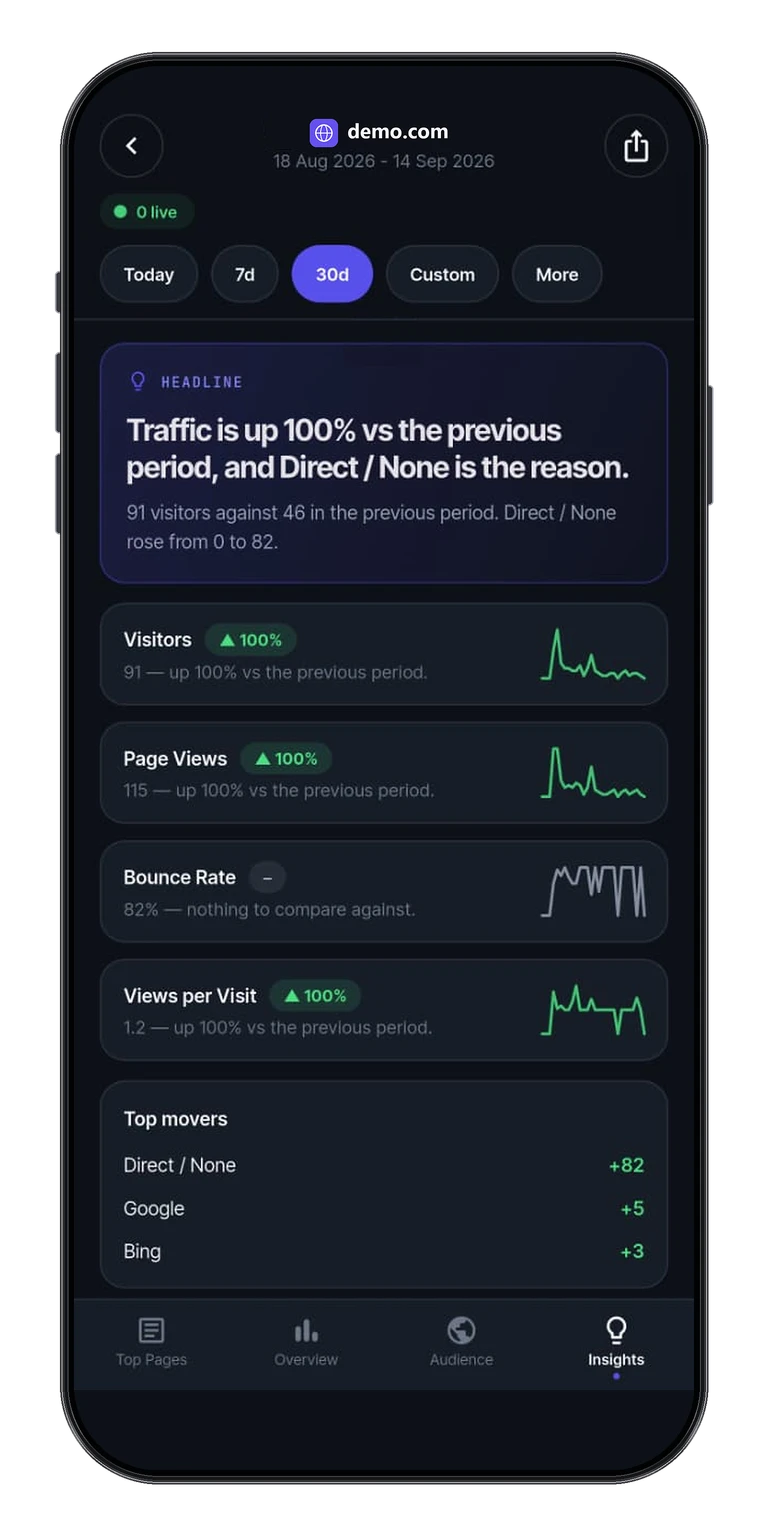
Live visitors, pages, sources, audience, goals and written insights, for whatever that instance and those credentials allow.

No version matrix

We do not publish named server versions. Available metrics depend on your server, permissions and plan.

Keys on the device

Instance address, API key and share links stay on the phone. Read the privacy policy and where Tracksible sends Plausible data.

Widgets still need Pro

Home screen widgets require Pro, the same as Cloud. Connection type does not change the Pro gate. Details on the widget page.

Three steps.
Then the daily check-in.

There is no Tracksible account. Credentials stay on the device. Start in getting started.

1. Enter the instance address

Cloud or Community Edition, depending on the address you enter. Tracksible does not host the stats and it is not software you install on the server.

2. Paste a key or share link

Use a Stats API key when you administer the site. Use a share link when you only need to view. Walkthroughs: share-link dashboard and share link vs API key.

3. Check in from the phone

Free is one site with Realtime, Today, Yesterday and Last 7 Days, plus overview, audience, goals and insights. Pro adds unlimited sites, longer ranges and widgets.

All download options
Product preview. Demo numbers are labelled in the app UI.

A visitor snapshot
from your instance.

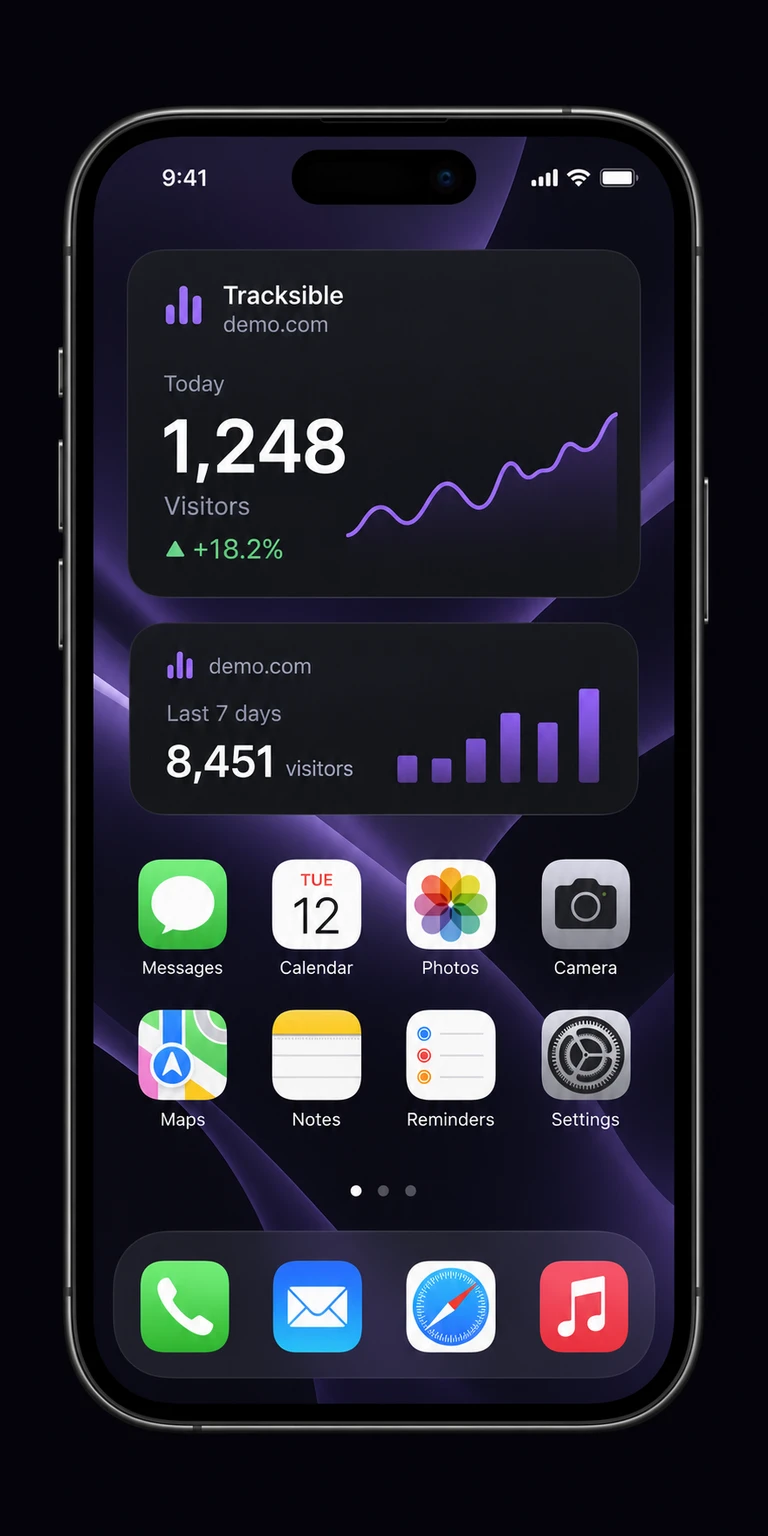
Home screen widgets require Pro, on self-hosted the same as Cloud. They show a cached visitor count, not a live dashboard.

How the app talks to your server

You enter the instance address and a share link or Stats API key. There is no Tracksible account. The app stores those details on the device and sends requests to the Plausible instance you configure.

Events stay on that server. Tracksible retrieves statistics. It does not host Community Edition.

How the home screen widget works

On iOS the widget extension fetches with copied credentials. On Android the widget receives prepared statistics from the app. iOS and Android decide when a snapshot refreshes.

Details: the widget page and why a widget is a snapshot.

Tracksible Pro home screen widgets showing recent visitor snapshots
Product preview. Widgets require Pro. Demo numbers are labelled in the app UI.

Start with one site.
Upgrade once if you need more.

FOR YOUR DAILY CHECK-IN

Free

€0to use

Get a clear view of your website.
No trial clock ticking.

Download on the App Store
Get it on Google Play
  • 1 website
  • Realtime, Today & Yesterday
  • Last 7 Days
  • Live visitors & traffic charts
  • Audience & location breakdowns
  • Pages, sources & goal conversions
  • Written traffic insights
  • API key or share-link connection
  • Plausible Cloud & self-hosted
ONE-TIME PURCHASEFOR THE BIGGER PICTURE

Tracksible Pro

$9.99one-time

Pay once, no recurring subscription.
Your store confirms the price before you pay.

  • Unlimited websites
  • Every supported date range
  • Custom ranges & all-time data
  • Last 28 & 91 Days, month & year views
  • Home screen widgets
  • Everything in Free
  • Restore with the same store account
  • No recurring app subscription

On the App Store and Google Play.

Get Tracksible on the App Store or Google Play, or see the download page. For a device-agnostic walkthrough, read how to view Plausible Analytics on your phone. Running Plausible for clients? See Plausible Analytics for agencies.

Before you point the app,
the straight answers.

Independent companion. Not a server you install. Widgets require Pro.

Cloud too?

Yes. Same app. Cloud or Community Edition, depending on the instance address you enter.

Which CE versions?

We do not publish a version matrix. Metrics depend on your server, permissions and plan.

Does Tracksible store events?

No. It retrieves statistics from the instance you configure. Events stay on that server.

Widgets on self-hosted?

Widgets require Pro, the same as Cloud. Connection type does not change the Pro gate.

Is this an official Plausible app?

No. Tracksible is an independent companion by Webjuice. It is not an official Plausible app, and it is not affiliated with, endorsed by, or supported by Plausible Insights OÜ.

Do I install Tracksible on the server?

No. Tracksible is a mobile viewer. You still run Plausible Community Edition or Cloud yourself.

Point it at your instance.
Open the phone.

Free for one website, with no trial clock and nothing to cancel.
Upgrade once, only if you ever need more sites, longer ranges or widgets.

Download on the App Store
Get it on Google Play
All download options

On the App Store and Google Play

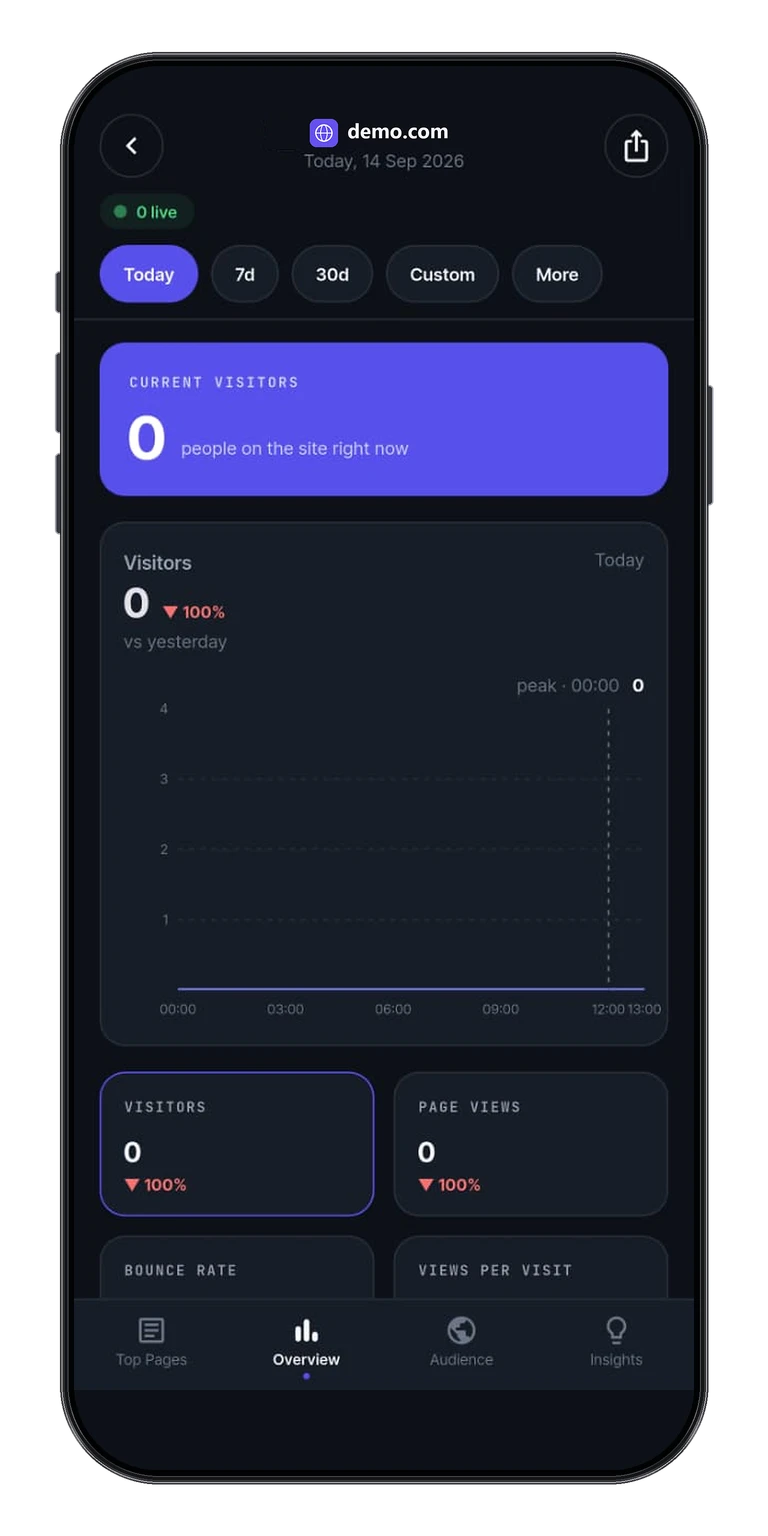
Tracksible app overview with live visitors, traffic chart, and website statistics