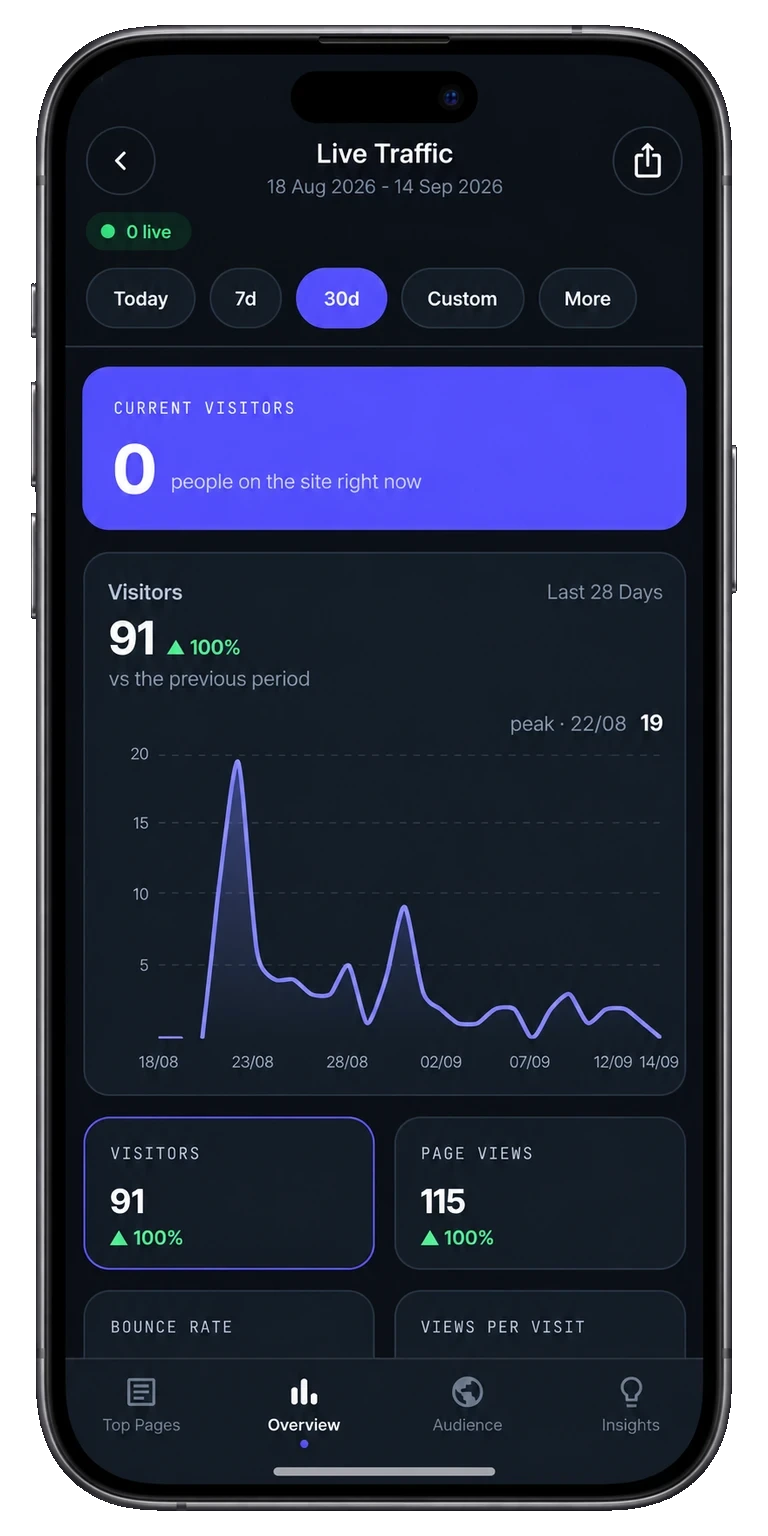
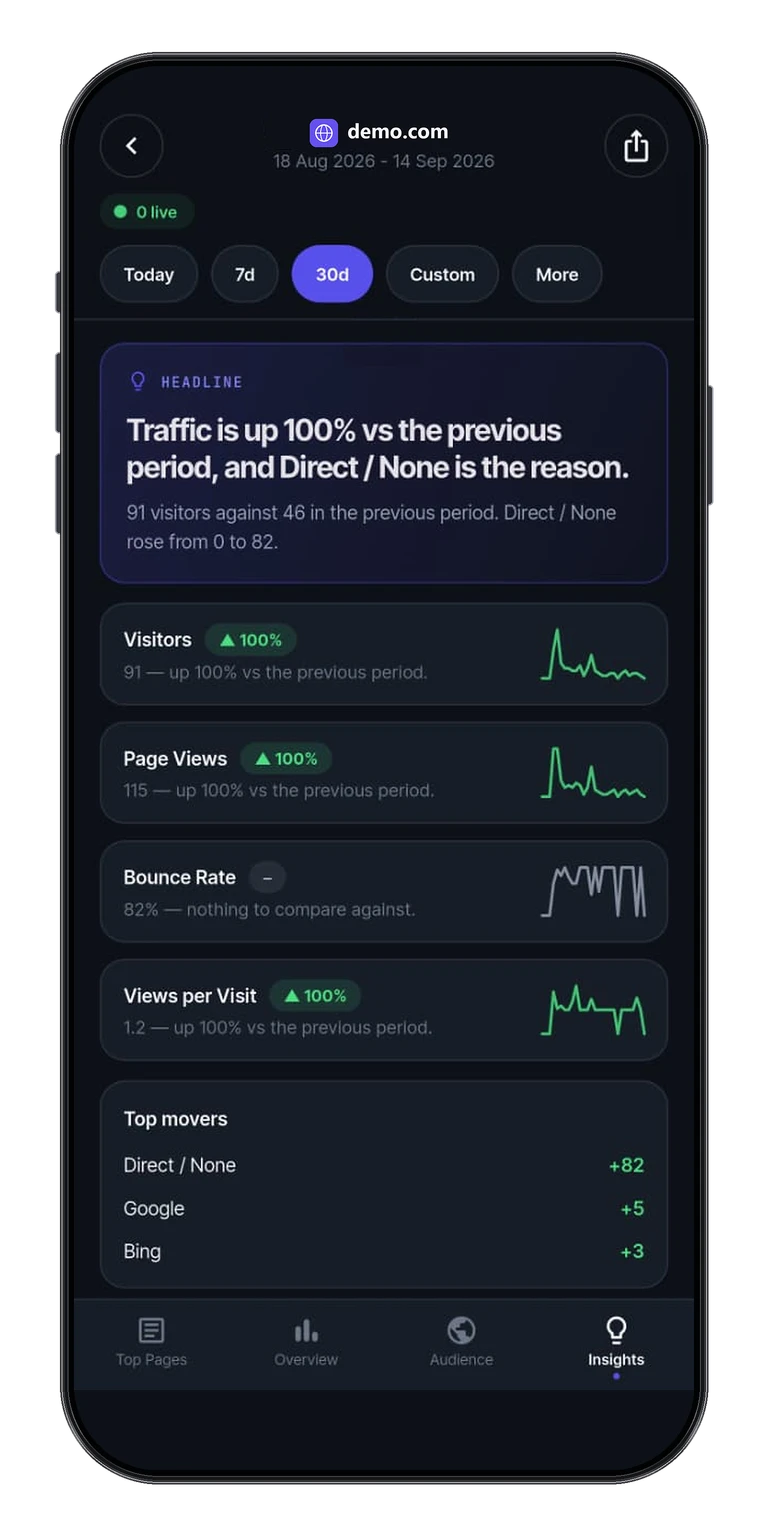
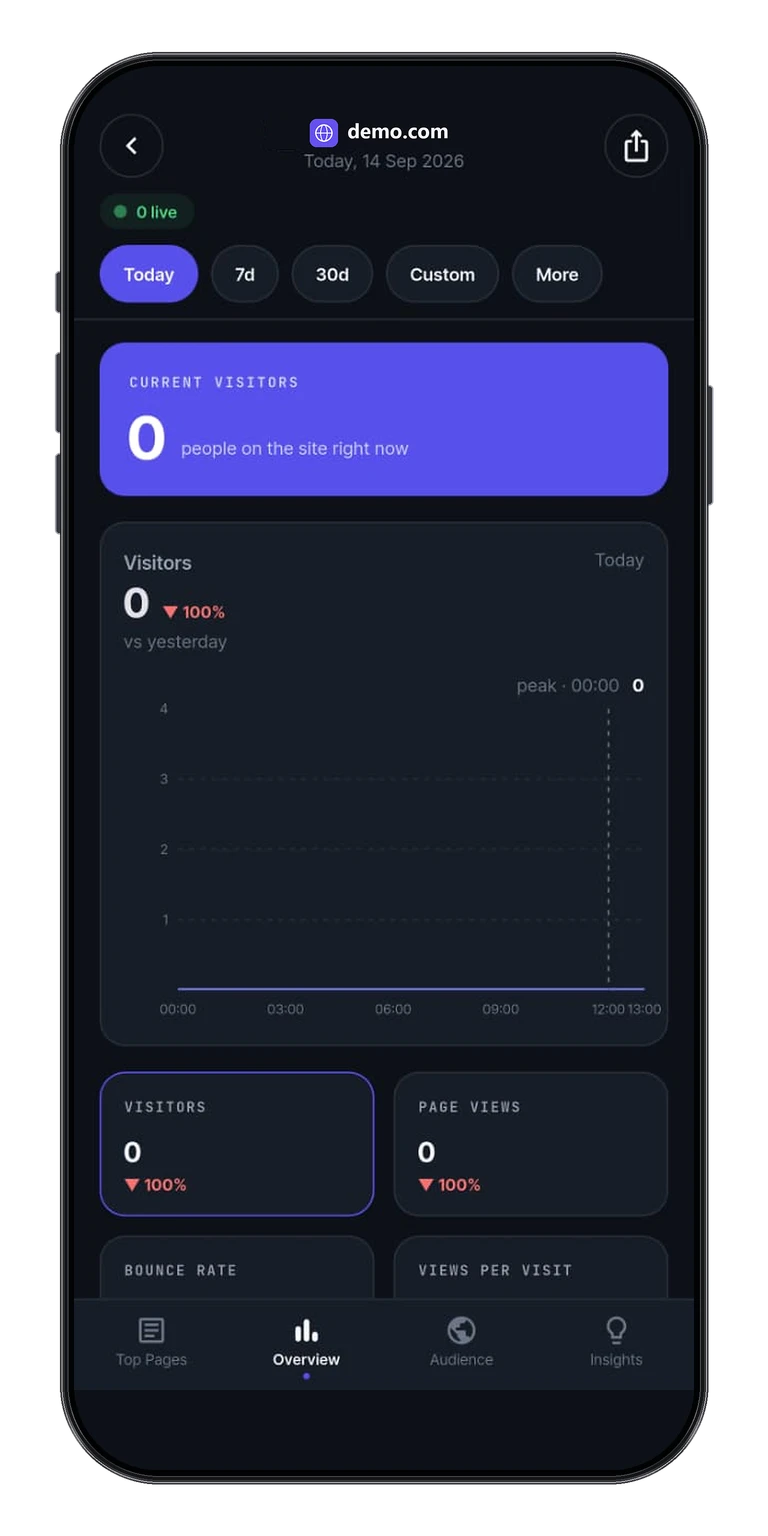
Paste a Plausible shared-dashboard link into Tracksible. The Plausible Analytics share-link dashboard opens on iPhone or Android in a thirty-second check-in.
A Stats API key can pull every site on the account. You should not hand that secret over so someone can glance at one dashboard.
Keep the keys
Send a Plausible share link instead. They paste it into Tracksible and see the view they were given, not every site you administer.
One dashboard
A share link is scoped to that shared view. Teammates and clients check one site without a login you have to babysit.
Revoke in Plausible
Access lives in the link. Revoke it in Plausible when the job is done. Deleting the app on a phone is not enough.
Tracksible is an independent companion by Webjuice. It is not an official Plausible app, and it is not affiliated with, endorsed by, or supported by Plausible Insights OÜ.
Choose Share link in the app, paste the complete Plausible shared-dashboard link, and connect. No Tracksible account to create.
No API key
View access does not need a Stats API key. Keep the key on the account you run. Clients never see it.
The same daily numbers
Live visitors, pages, sources, audience, goals and written insights, for whatever that link is allowed to see.
Clients and teammates
Agencies hand over the app, not the keys. Teammates check a site they already have permission to see. Read the agency page.
Cloud or self-hosted
The link points at Plausible Cloud or Community Edition. Available metrics still depend on the plan, permissions, server version and connection type.
On-device only
The link stays on the phone. Tracksible does not invent extra stats. See the privacy policy for what is stored.
Three steps. Then the daily check-in.
There is no Tracksible account. Credentials stay on the device. A share link is often enough when you only need to view.
1. Get a Plausible share link
Create a shared dashboard link in Plausible, or ask the site owner for one. Setup notes live in getting started.
2. Paste it in Tracksible
Open the app, choose Share link, paste the complete link, and connect. Use a Stats API key only when you administer the site yourself. Walkthrough: client access without API keys.
3. Check the dashboard
Live visitors, sources, goals and insights for the range you pick. Free includes Realtime, Today, Yesterday and Last 7 Days. Home screen widgets require Pro and do not change because you used a share link.
Product preview. Demo numbers are labelled in the app UI.
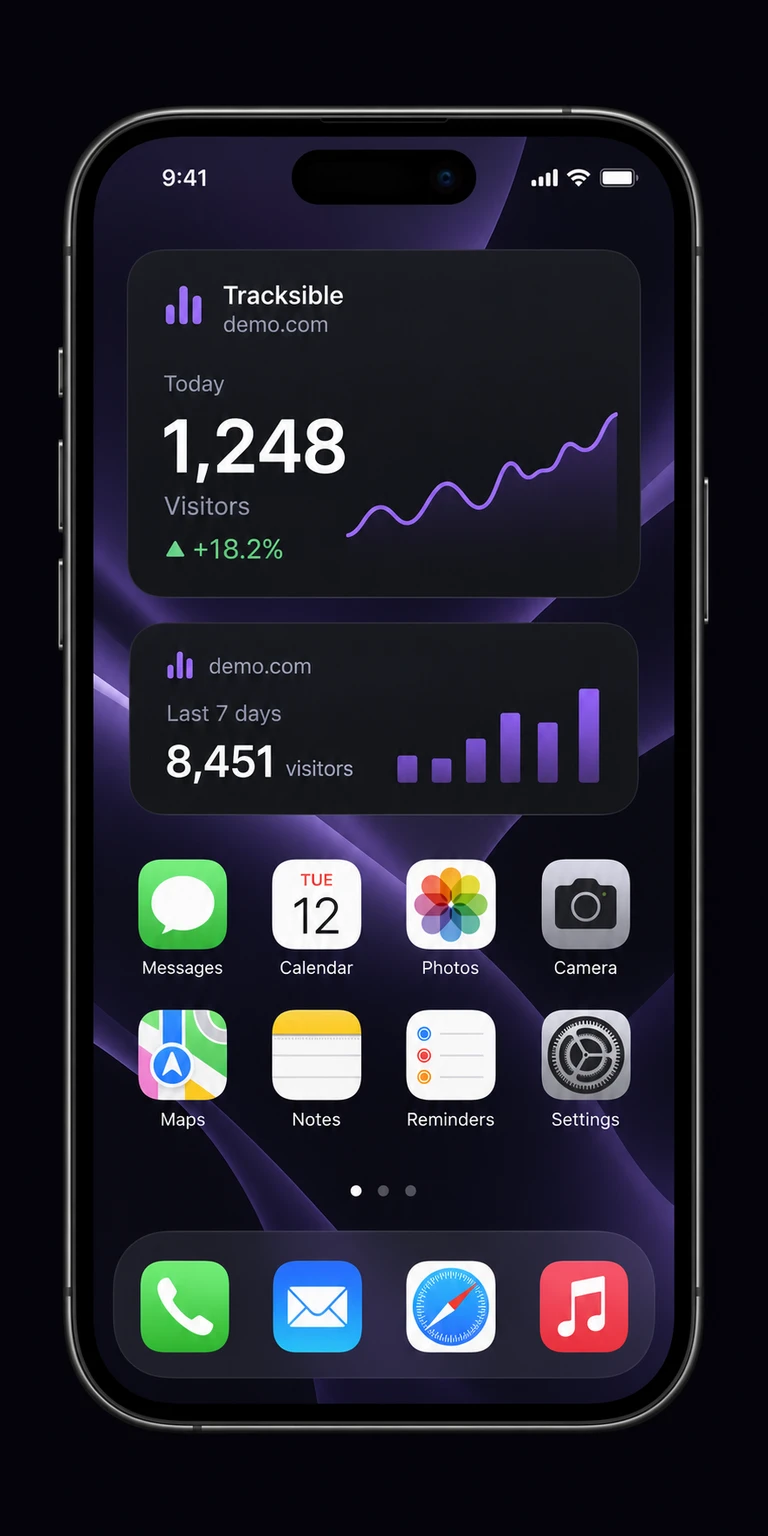
A visitor snapshot still needs Pro.
Home screen widgets require Pro. A share link does not waive that. They show a cached visitor count, not a live dashboard.
How a share-link check-in works
You paste the link once. Tracksible stores it on the device and reads that shared view. There is no Tracksible account. Available metrics are whatever the link can see.
Free is one website with Realtime, Today, Yesterday and Last 7 Days, plus overview, audience, goals and insights.
How the home screen widget works
Widgets require Pro on iPhone and Android. On iOS the widget extension fetches with copied credentials. On Android the widget receives prepared statistics from the app. iOS and Android decide when a snapshot refreshes.
No Tracksible account. Widgets require Pro. Revoke the link in Plausible.
Need an API key?+
Not if you have a share link. Paste the shared dashboard link and connect. Use a Stats API key when you administer the site yourself.
Can I revoke access?+
Revoke the link in Plausible. Deleting it on the phone is not enough. Anyone who still has the live link can open the dashboard.
Does this create a Tracksible login?+
No. There is no Tracksible account. Restore is a store-account restore after you buy Pro, not a login.
Widgets on share-link sites?+
Widgets require Pro. Connection type does not waive that. Free is still one site. See Free and Pro.
Is this an official Plausible app?+
No. Tracksible is an independent companion by Webjuice. It is not an official Plausible app, and it is not affiliated with, endorsed by, or supported by Plausible Insights OÜ.